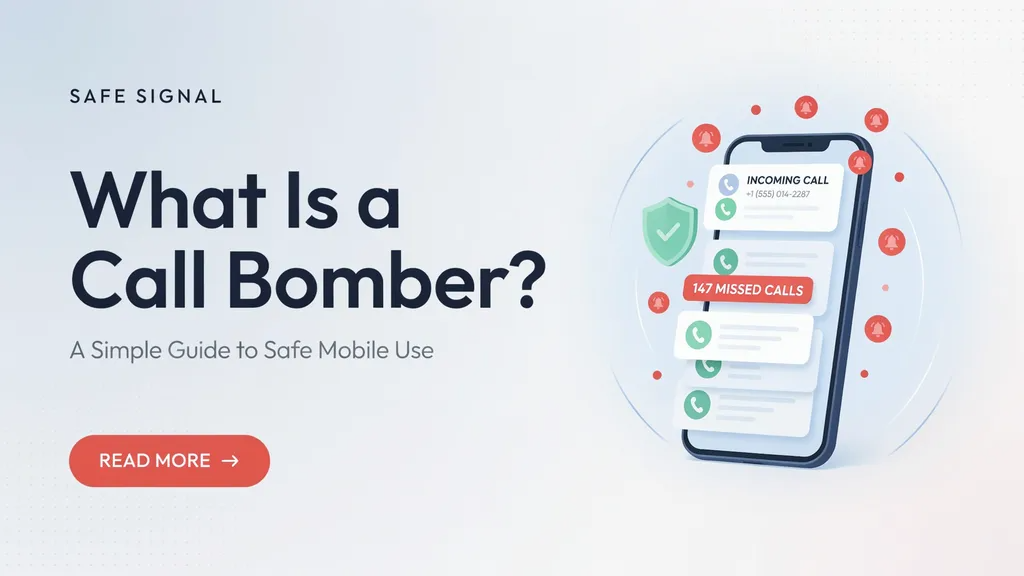
Have your phone ever rang over and over again with weird numbers? It can drive you crazy. You might miss an important Call Bomber from a friend or family member because your screen will not stop lighting up. Sometimes, this happens because someone is using a tool called a call bomber.
A call bomber is a special computer program or app that sends many automated calls or texts to one single phone number in a very short time. It is like a digital flood hitting your mobile phone all at once. People might use these tools as a bad practical joke on a friend, or sometimes bad actors use them to cause trouble. But for the person holding the phone, it is just a big headache.
In this easy guide, we will talk about what these dialing tools do, why they happen, and how you can keep your phone safe and quiet. You do not need to be a tech wizard to understand it. Let us dive in and learn how to keep your mobile device peaceful and secure.
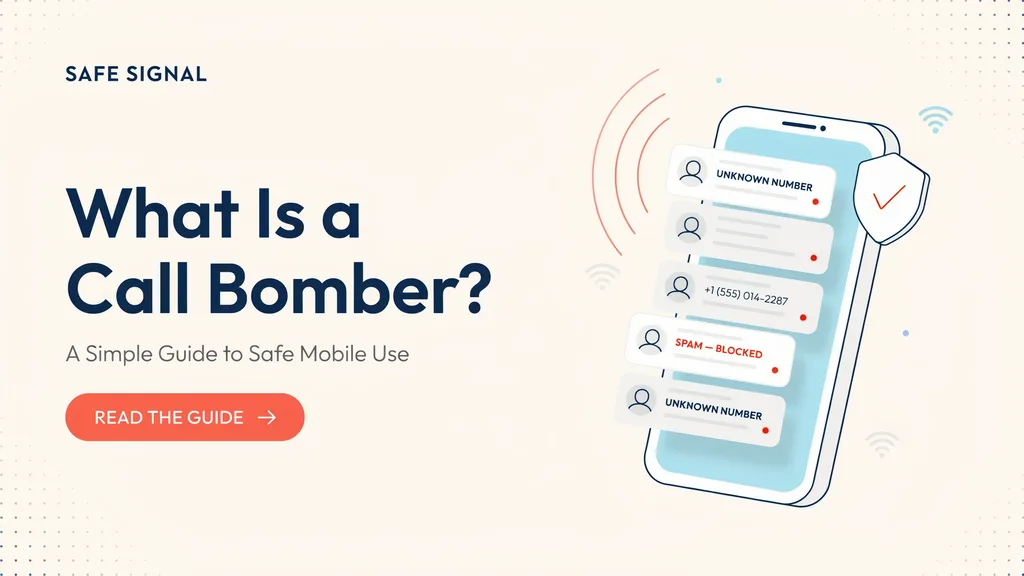
What Is a Call Bomber?
A call bomber is a software tool or web service designed to place hundreds of phone calls or text messages to a target phone number in just a few minutes. Think of it as an automated machine that dials your number repeatedly without stopping. When you pick up, nobody is there, or you hear a strange automated voice.
These programs use internet protocols to trick phone networks into making rapid calls. For the victim, the phone rings non-stop, draining the battery and making normal communication almost impossible. While some people view this as a funny prank, it crosses the line into harassment and digital annoyance. Understanding this tool is the first step in knowing how to defend your phone against unwanted digital traffic and automated dialer attacks.
How Do Automated Dialing Apps Work?
Behind the scenes, a call bomber relies on simple coding scripts and online application programming interfaces. A user enters your phone number into a website or app, picks a number count, and clicks start. The system then connects to various online services that send automated verification codes or automated ring signals to your device.
Because many websites send automated text messages when you sign up for an account, these tools abuse those features. They loop the sign-up process using your number so your phone gets flooded with verification texts and missed calls from different services. It is a clever misuse of normal internet features. Knowing how these systems operate helps us see why phone carriers work hard to block fast, repeated requests from single IP addresses.
Why Do People Use These Tools?
Most of the time, individuals use a call bomber to play a prank on someone they know. They might think it is funny to make a friend’s phone ring during class or dinner. However, this joke stops being funny very fast when the phone will not stop buzzing.
In worse cases, angry people or cyber bullies use these blasts to harass someone they dislike. Businesses or rival competitors sometimes misuse automated dialers to disrupt a competitor’s customer service lines. No matter the reason, flooding a phone line causes real stress and wastes valuable time. Recognizing the motivation behind these actions reminds us why digital etiquette and online safety matter just as much as real-world manners.
Signs Your Phone Is Under Attack
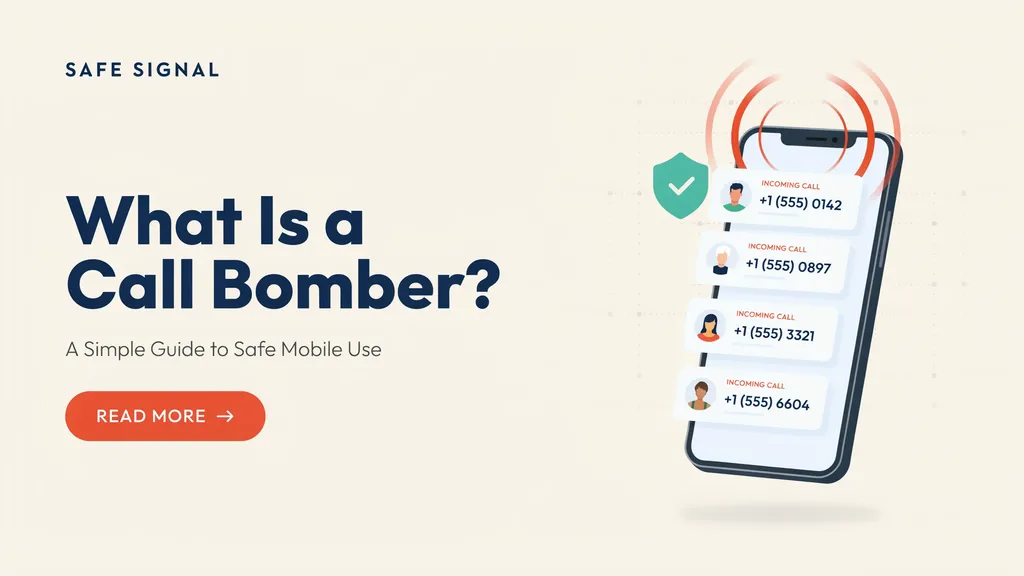
How do you know if a call bomber is targeting your device? The most obvious sign is a sudden rush of calls and texts from unknown international or local numbers within a tiny window of time. Your phone might buzz every five seconds for ten minutes straight.
Another clue is receiving random verification codes from companies or apps you have never heard of or used. Your phone battery might drain much faster than usual because the screen and receiver stay active. You might also notice your mobile network running slow as it tries to process dozens of incoming connections at once. Spotting these red flags early lets you take action before the digital noise becomes too overwhelming to handle.
Immediate Steps to Stop the Ringing
If your device is currently receiving a flood of calls, do not panic. The best first step is to turn on Do Not Disturb mode or temporarily switch your phone to airplane mode for a brief period. This gives the attack time to slow down while saving your battery and your sanity.
You can also use built-in phone settings to silence calls from unknown numbers completely. Most modern smartphones have a feature that sends any number not in your contacts straight to voicemail. After a short break, you can turn your regular signal back on. Usually, these automated scripts only run for a short time before stopping because the service providers block the attacking website or app.
Blocking Unknown Numbers and Spam
Dealing with spam gets easier when you use your phone’s built-in security features. Both Android and iOS devices offer great tools to block annoying numbers automatically. You can go into your recent call list, tap the strange number, and select the block option so they cannot reach you again.
It is also smart to turn on caller ID and spam protection in your phone settings. These smart filters check incoming numbers against a massive global list of known spammers and automated dialers. If a number looks suspicious, your phone will warn you or silence it before it rings out loud. Taking five minutes to set up these blocks creates a strong shield around your daily communication.
Using Carrier Protection Services
Your mobile phone network provider has special tools to stop a call bomber before the calls even reach your device. Companies like Verizon, AT&T, T-Mobile, and international carriers offer free or low-cost security apps. These apps let you filter out high-risk spam and automated traffic right at the network level.
You can log into your carrier account online or download their official safety app to turn on advanced fraud blocking. The network will intercept repetitive dialing patterns and drop the connection automatically. This means your phone stays quiet and your peace of mind remains intact. Checking with your mobile provider is one of the smartest ways to add extra armor to your personal phone number.
Third-Party Apps for Extra Security
Sometimes your phone’s basic settings need a little backup. You can download trusted security applications from official app stores to help manage unwanted calls. Apps like Truecaller or Hiya maintain huge databases of reported spam numbers and automated dialers.
These apps work in the background to identify unknown callers in real-time. When a suspicious number tries to connect, the app flags it on your screen so you know not to answer. Always make sure to download apps with high ratings and good privacy policies. Adding a dedicated security app gives you a second layer of defense against digital harassment and keeps your call log clean.
When to Change Your Phone Number
If you tried every block and filter, but the calls and texts still refuse to stop, you might need a fresh start. Changing your mobile phone number is an extreme step, but it is very effective against stubborn digital attacks. Once you get a new number, only share it with close friends, family, and important accounts.
Before changing your number, remember to update your bank, work contacts, and social media logins so you do not get locked out of your digital life. It can feel like a big chore to tell everyone your new digits, but the sudden silence on your phone is totally worth it. Think of it as moving to a new digital house when the old neighborhood gets too noisy.
Staying Safe Online and Protecting Your Number
The best way to deal with a call bomber is to make sure your phone number never gets leaked online. Be careful where you type your personal mobile number on public websites, forums, or sketchy sign-up forms. Always read the privacy rules before joining a new online service or entering a contest.
Use a secondary virtual number or email address for online sign-ups when you are not sure if a website is safe. Keeping your main phone number private stops bad actors from harvesting your data for automated scripts and prank tools. Simple online habits create a safer digital environment and protect your personal peace every single day.
Detailed Comparison Table
| Feature / Action | What It Does | Best For | Effectiveness |
| Airplane Mode | Cuts all network signals instantly | Immediate active attack relief | High (Temporary) |
| Do Not Disturb | Silences alerts while logging calls | Sleeping or working in peace | Medium |
| Carrier Spam Filter | Blocks bad traffic at the network level | Long-term automatic defense | High |
| Third-Party App | Identifies and flags unknown callers | Real-time screening | Medium-High |
| Number Change | Gives you a completely fresh start | Extreme, unstoppable harassment | Absolute |
Frequently Asked Questions
Is using a call bomber illegal?
Yes, using these tools to harass or annoy someone is against the law in many places. It falls under cyber harassment and illegal telecommunication disruption.
Can a call bomber hack my personal bank accounts?
No, the tool only floods your phone with calls and texts. It cannot steal your money or break into your private passwords by itself.
Why do some missed calls show different country codes?
Automated dialer scripts bounce calls through international online servers to bypass local carrier blocks and trick your phone network.
Do free anti-spam apps really work?
Yes, they check incoming numbers against large global lists of reported spammers and block known automated numbers before they ring loudly.
How long does a typical phone attack last?
Most prank attacks stop after a few hours or a day because the online servers running the script get flagged and shut down by web hosts.
Can I trace the person who started the call attack?
It is very hard for a regular person to trace the exact user because these apps hide behind proxy servers. You should report the numbers to your mobile carrier instead.
Conclusion
Dealing with a digital flood on your mobile phone is never fun. A call bomber tries to ruin your day with endless ringing, but you now have the knowledge to fight back. From turning on simple phone settings to using carrier filters and third-party apps, you can easily protect your device and keep the peace.
Remember to keep your personal number private and stay smart about where you share your contact details online. Do not let annoying digital pranks stress you out or ruin your focus. Take charge of your phone settings today and enjoy a quiet, peaceful screen. If this guide helped you learn something new, share it with a friend who might need some digital peace of mind!